The color-change timing can be adjusted to suit different product lifecycles and usage intensity.
Customization
Adjust the label for your product, wash cycle, and brand design.
Different products have different usage rhythms. WiseLabel can be customized to match product categories, expected wash frequency, visual design, and replacement timing.
What can be customized.
Different products do not use the label in exactly the same way. Customization helps bring the lifecycle reminder closer to the real product use case.
The label can be adapted to fit the look, feel, and brand identity of your product line.
Underwear, baby clothing, towels, bedding, and other products may require different label logic and formats.
Most projects begin with samples, then move into a more specific customization discussion if the fit is right.
Category examples
Customization usually starts from the product category.
The same label logic can be applied in different ways depending on washing frequency, skin contact, product positioning, and the replacement cycle you want to show.
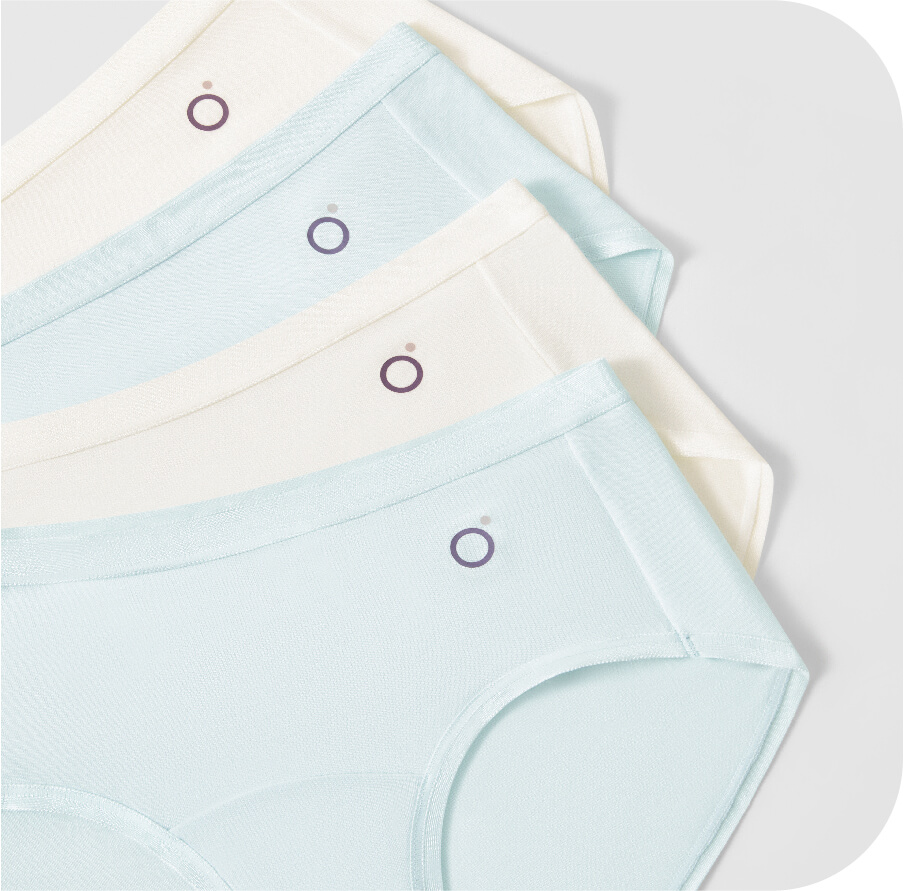
Underwear and intimate apparel
Often discussed around comfort, hygiene, high-frequency washing, and a clearer repurchase reminder.
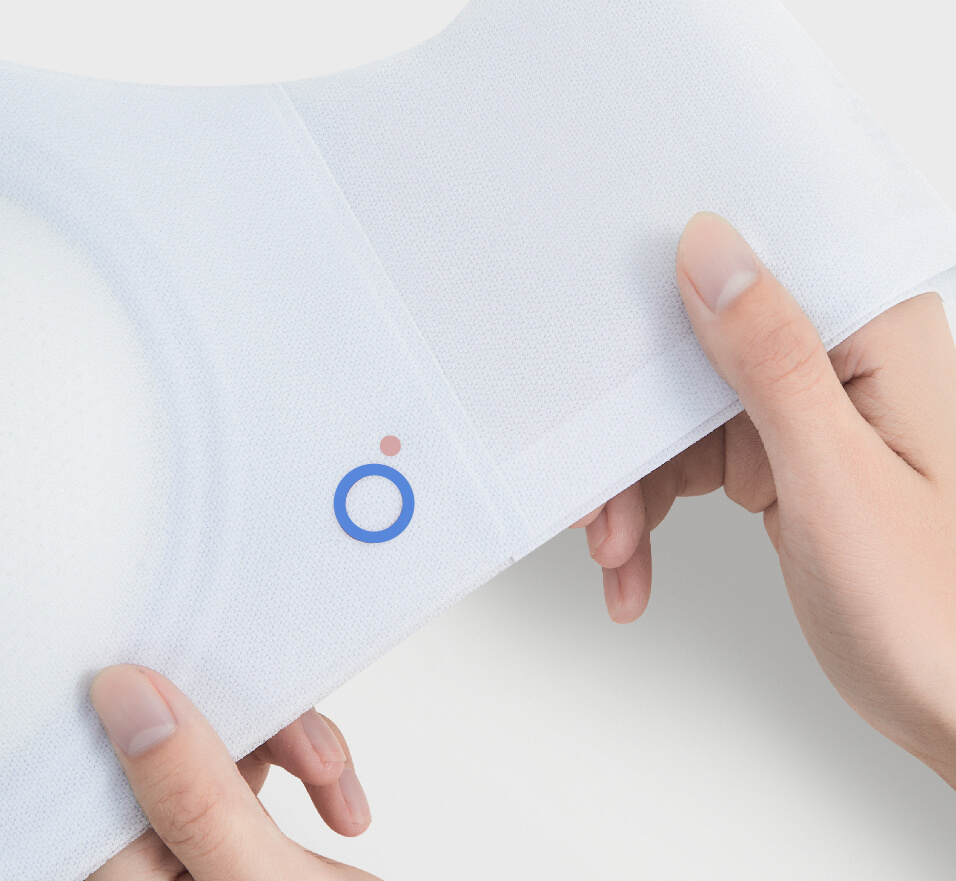
Babywear and infant textiles
Usually focused on softness, repeated washing, and helping parents understand the replacement stage more clearly.
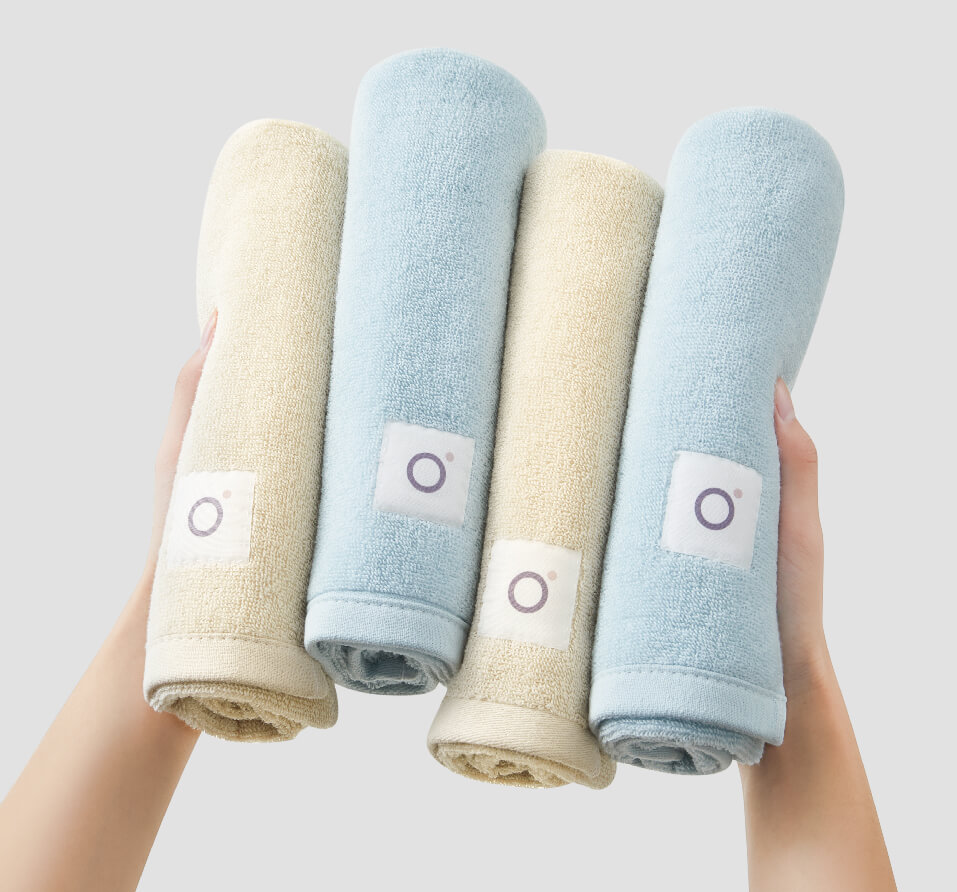
Towels, bedding, and home textiles
Useful for categories where long use cycles are common and visual reminders can strengthen both the product story and replacement timing.
What usually helps a customization discussion move faster.
The best starting point is usually a clear product category, use rhythm, expected replacement timing, and what the brand wants the end user to understand.
Clarify the textile product, the customer, and why replacement timing matters in that use case.
Use sample discussion to judge whether the appearance, feel, and logic are moving in the right direction.
Move into timing, label integration, and category-specific changes once the basic fit is confirmed.